




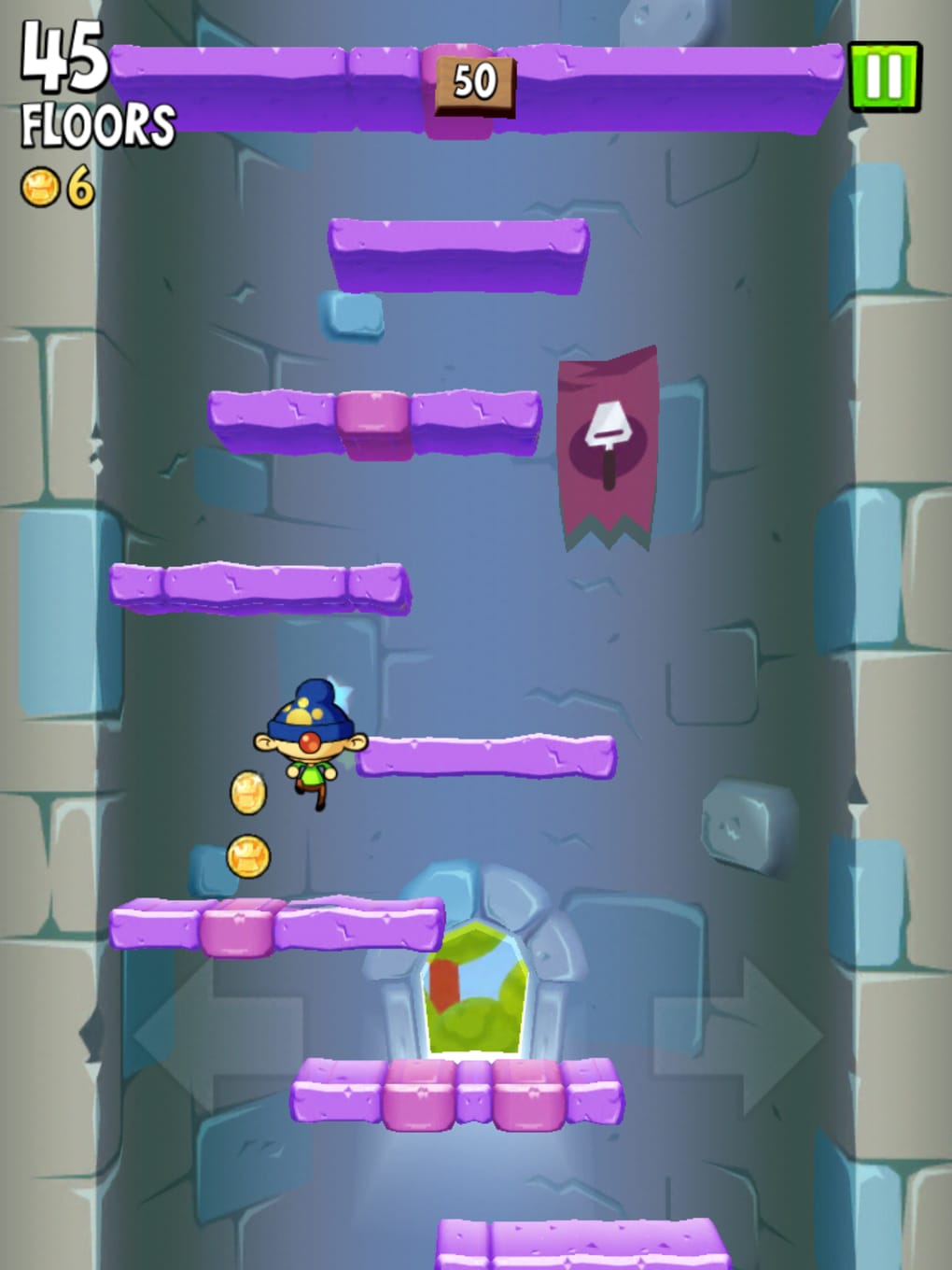
Description
Jump Higher in Icy Tower 2
Overview
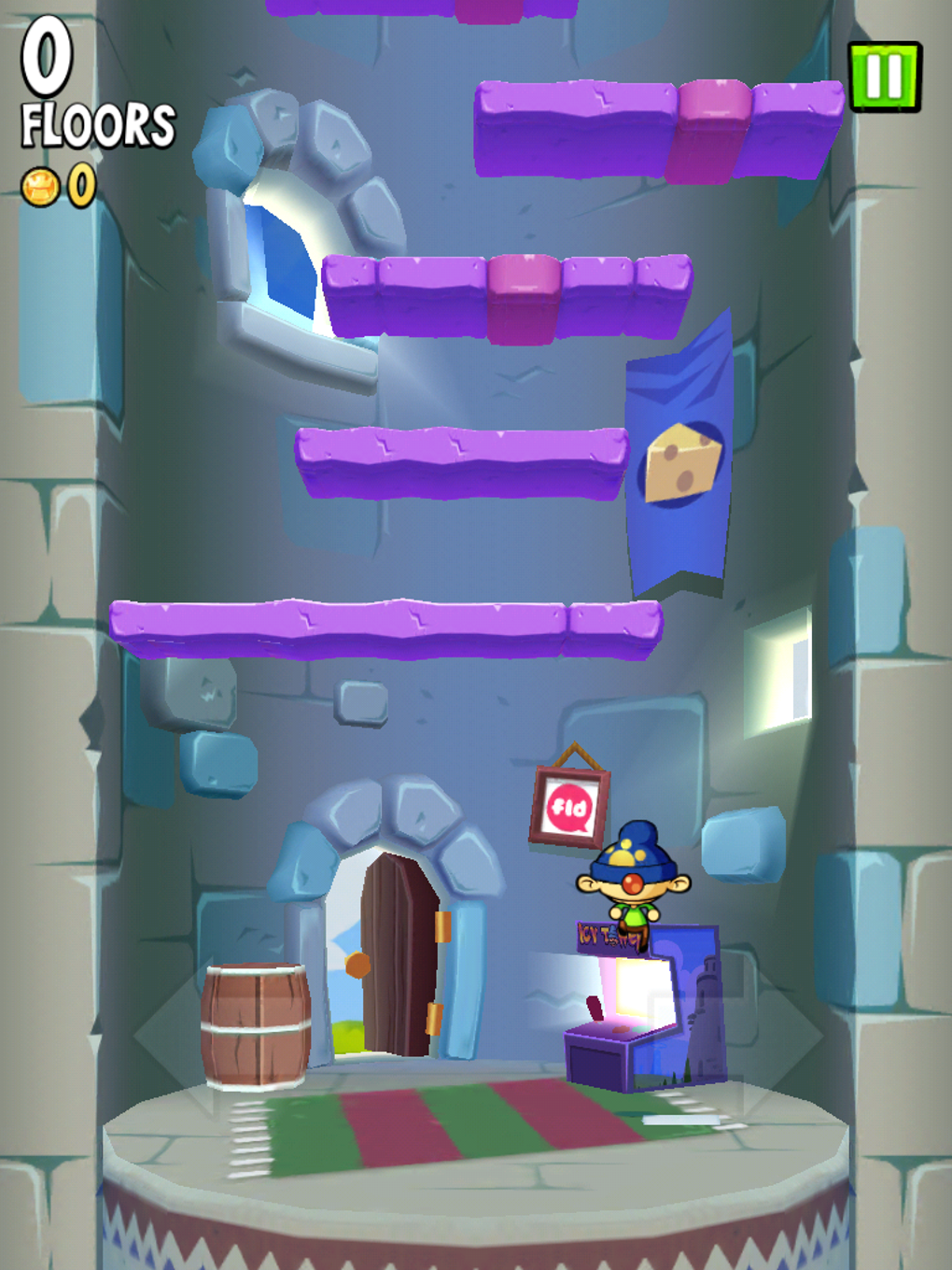
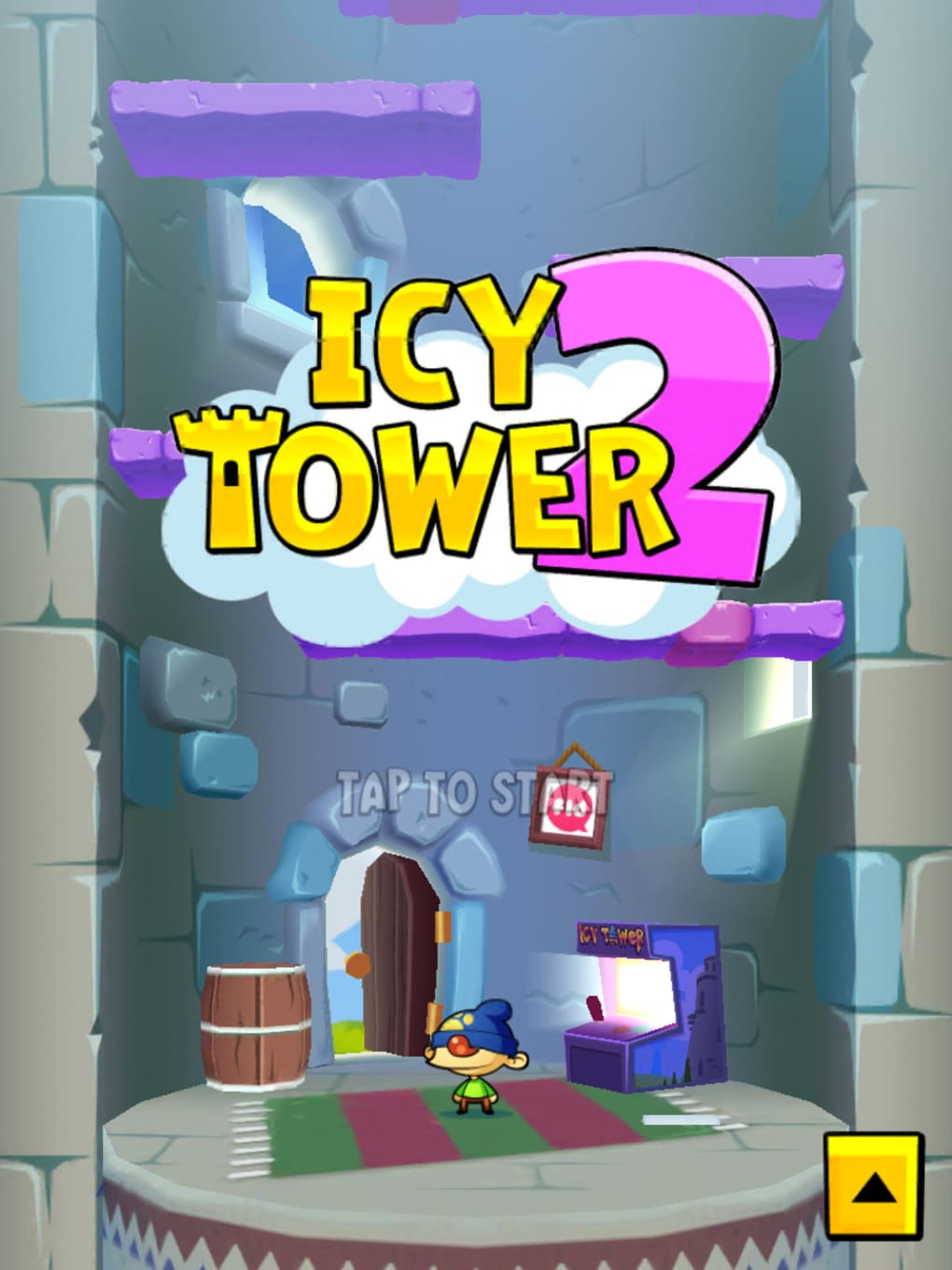
Icy Tower 2 is a modern revival of a beloved arcade classic, reimagining the addictive vertical platforming gameplay that captivated millions since the original release in 2001. The game centers on Harold the Homeboy, a character tasked with ascending an endless tower by jumping from one platform to the next. While the core mechanic remains unchanged—vertical ascent through precise timing and reflexes—the updated version introduces a fresh control scheme. Instead of manual jump inputs, players now tilt the screen to guide Harold’s movement and adjust jump height, creating a tactile and intuitive experience. This shift suits modern touch-based interfaces while maintaining the game’s original charm.
The game appeals to casual gamers and fans of retro arcade titles who appreciate simple yet challenging mechanics. It’s ideal for short play sessions, offering instant gratification with long-term progression through coins, power-ups, and unlockable content. Real-world usage includes quick breaks during work, commuting entertainment, or a nostalgic trip for longtime fans of the genre. The developer did not provide additional background on the development team, but the game’s design reflects a clear commitment to preserving the spirit of the original while enhancing visual appeal.
Key Features & Capabilities
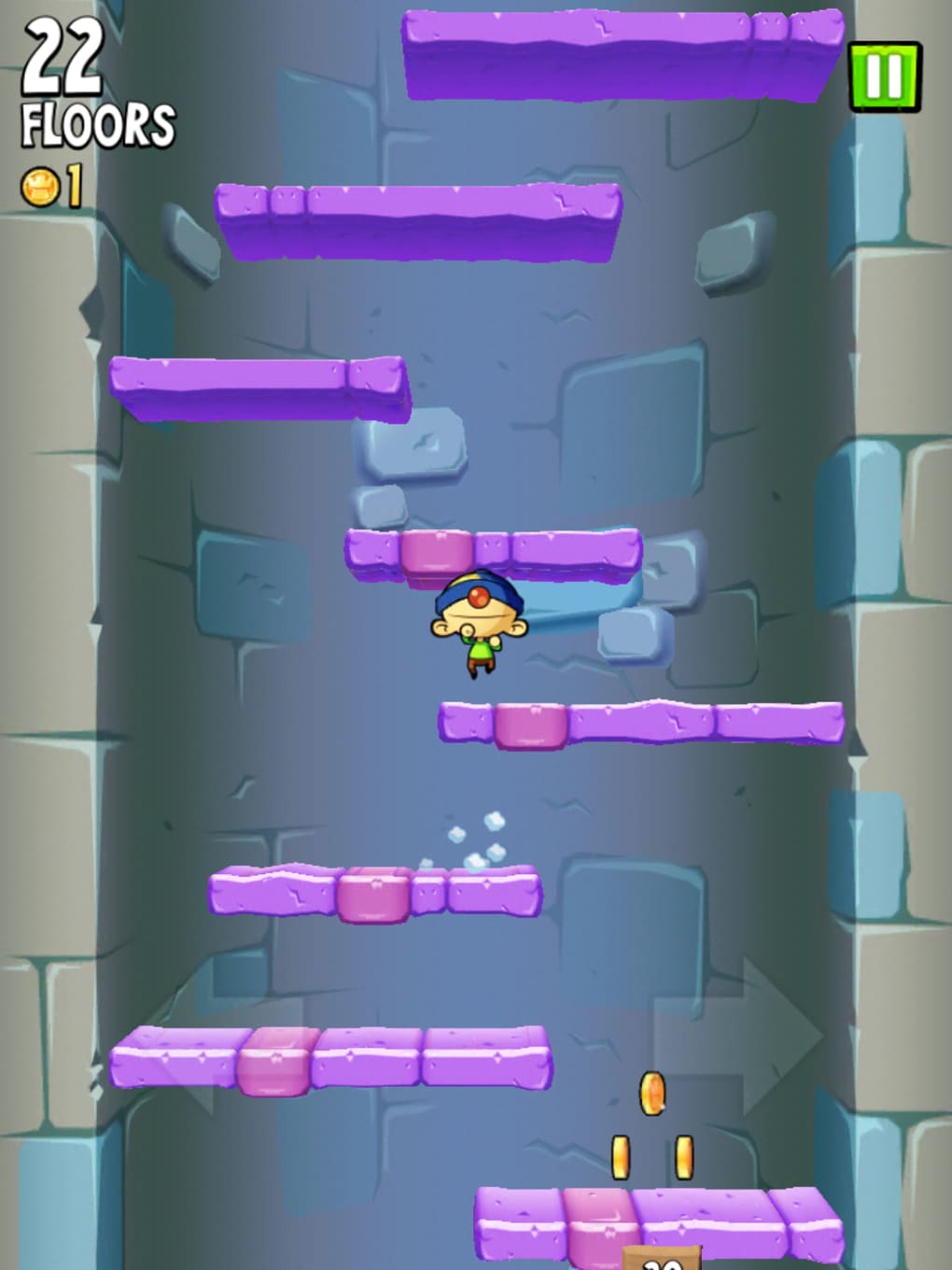
- Vertical Platforming Gameplay – Players guide Harold through an ever-increasing tower, jumping from platform to platform. The goal is to climb as high as possible without falling.
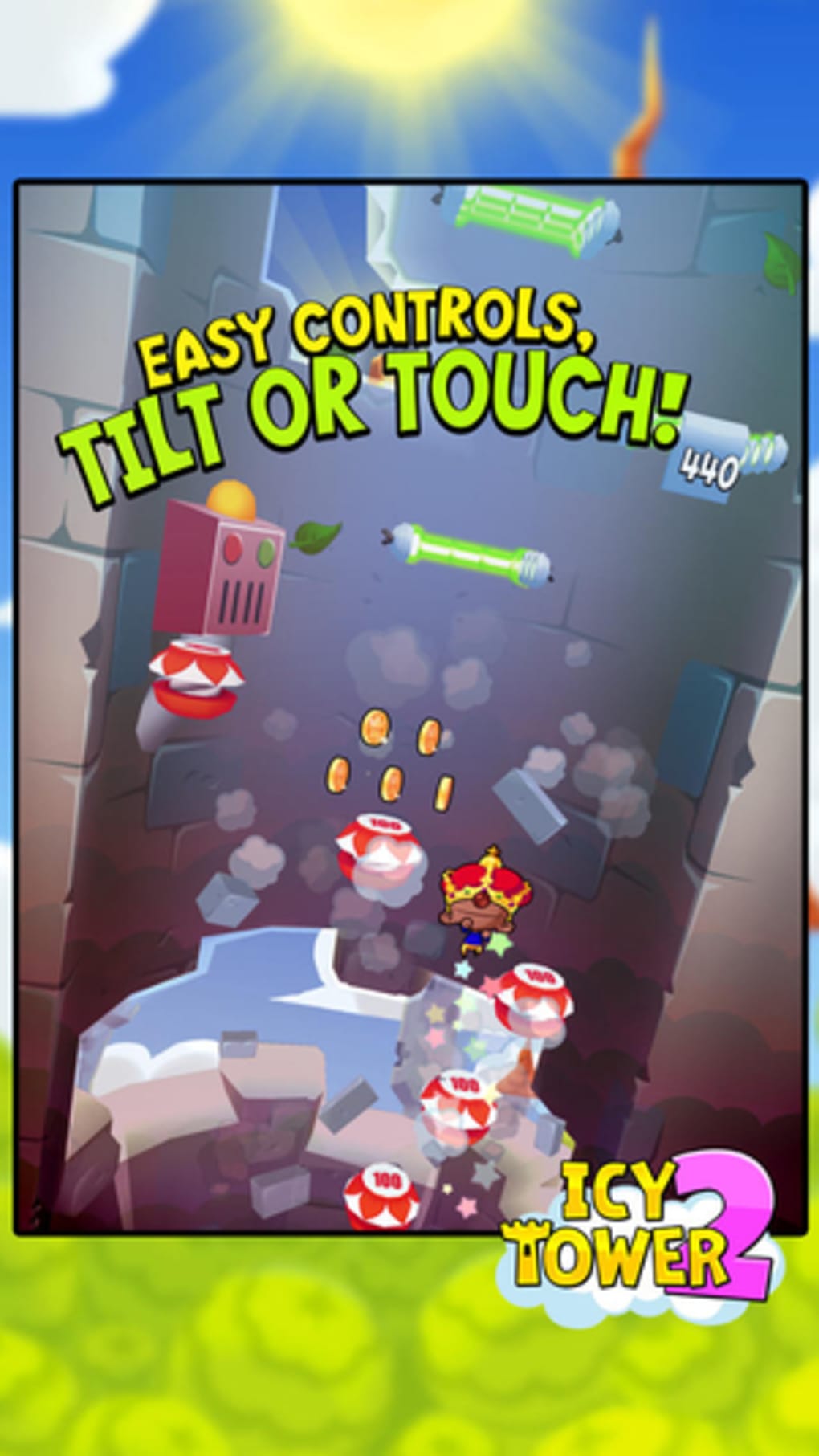
- Gesture-Based Controls – Movement is controlled by tilting the device, with increased tilt intensity resulting in higher jumps. This method simplifies input while maintaining precision.
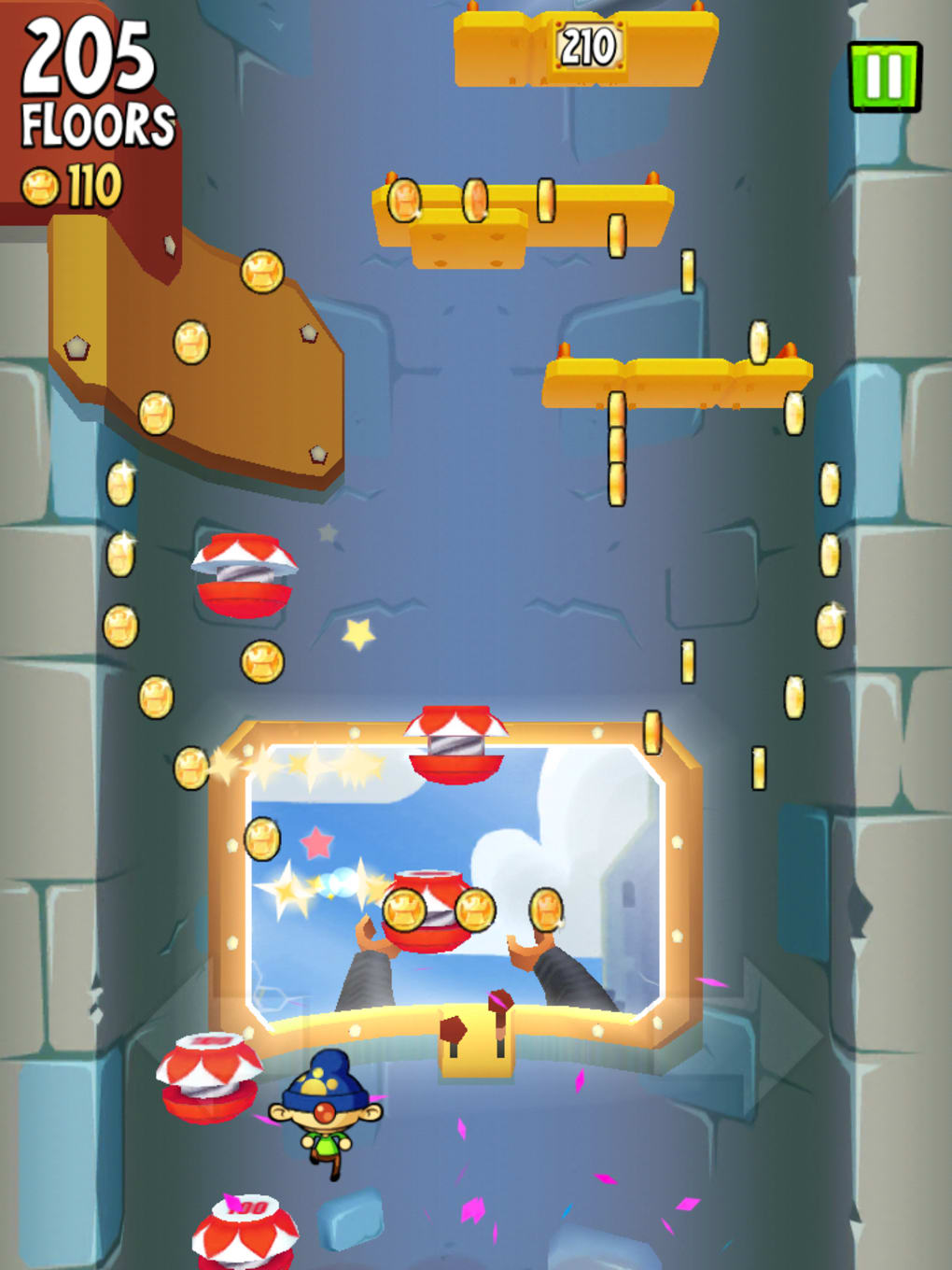
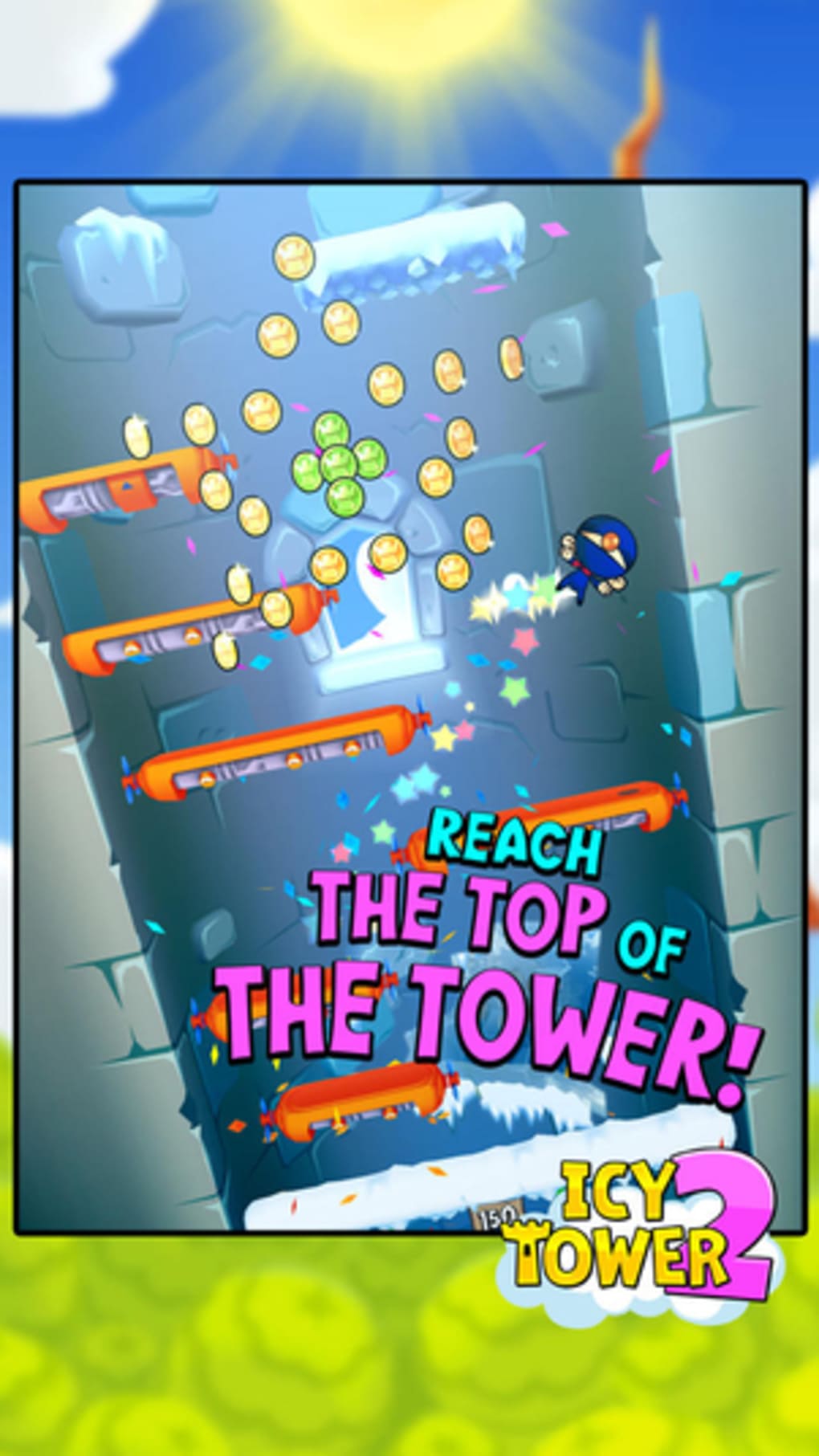
- Visual Upgrade – The game features improved cartoon-style graphics, with smoother animations and vibrant visuals reminiscent of popular mobile titles like Angry Birds.
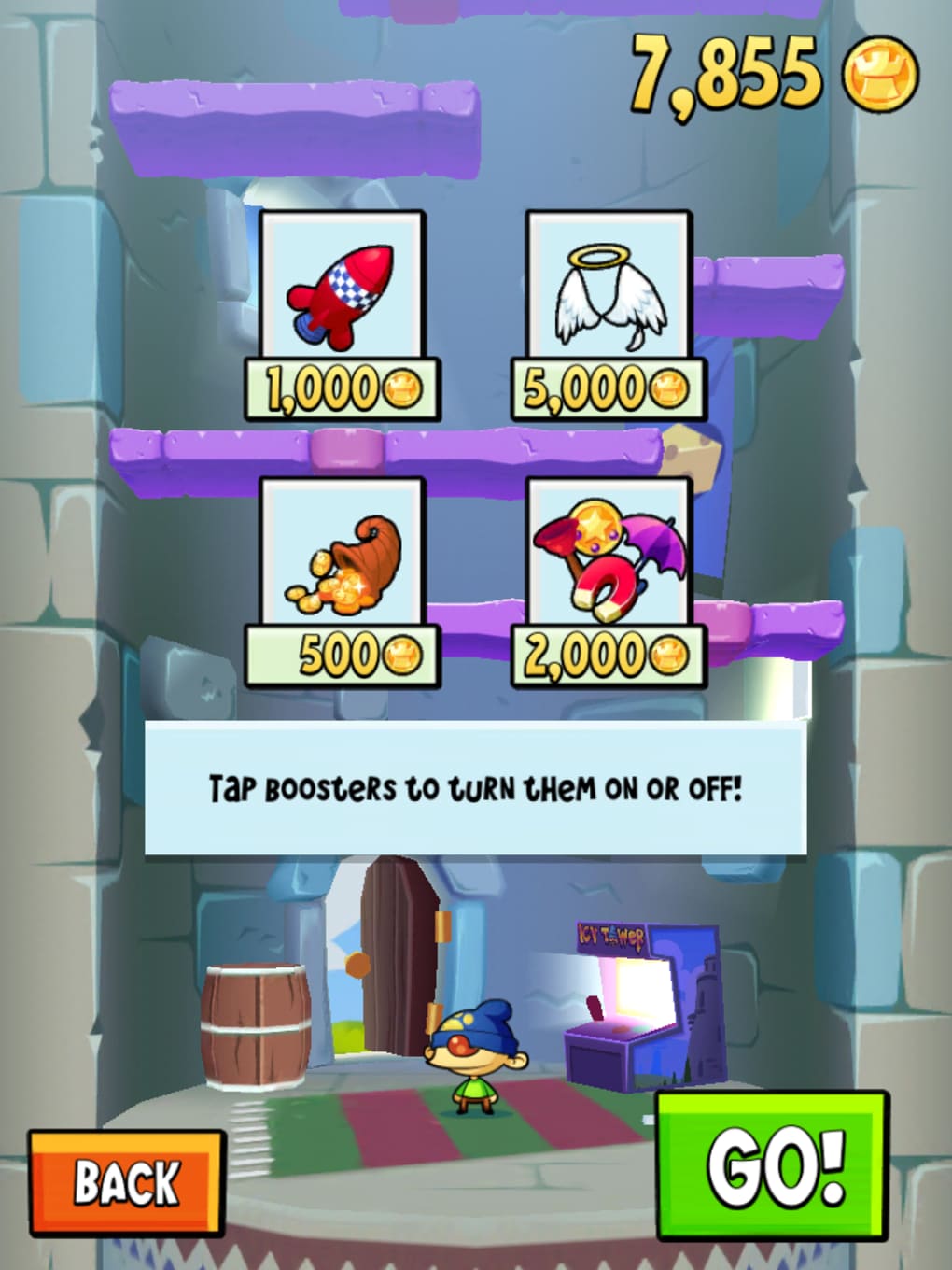
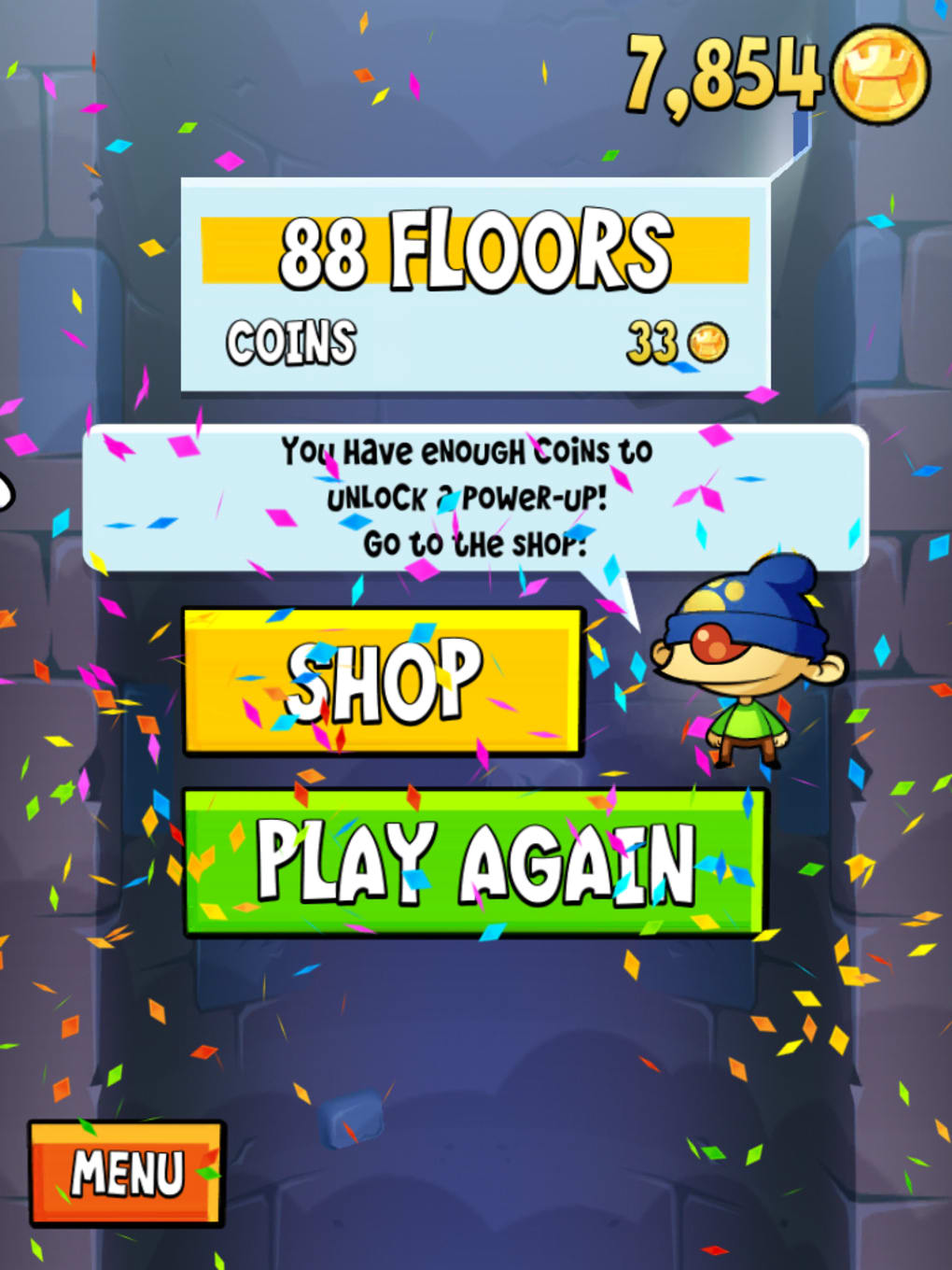
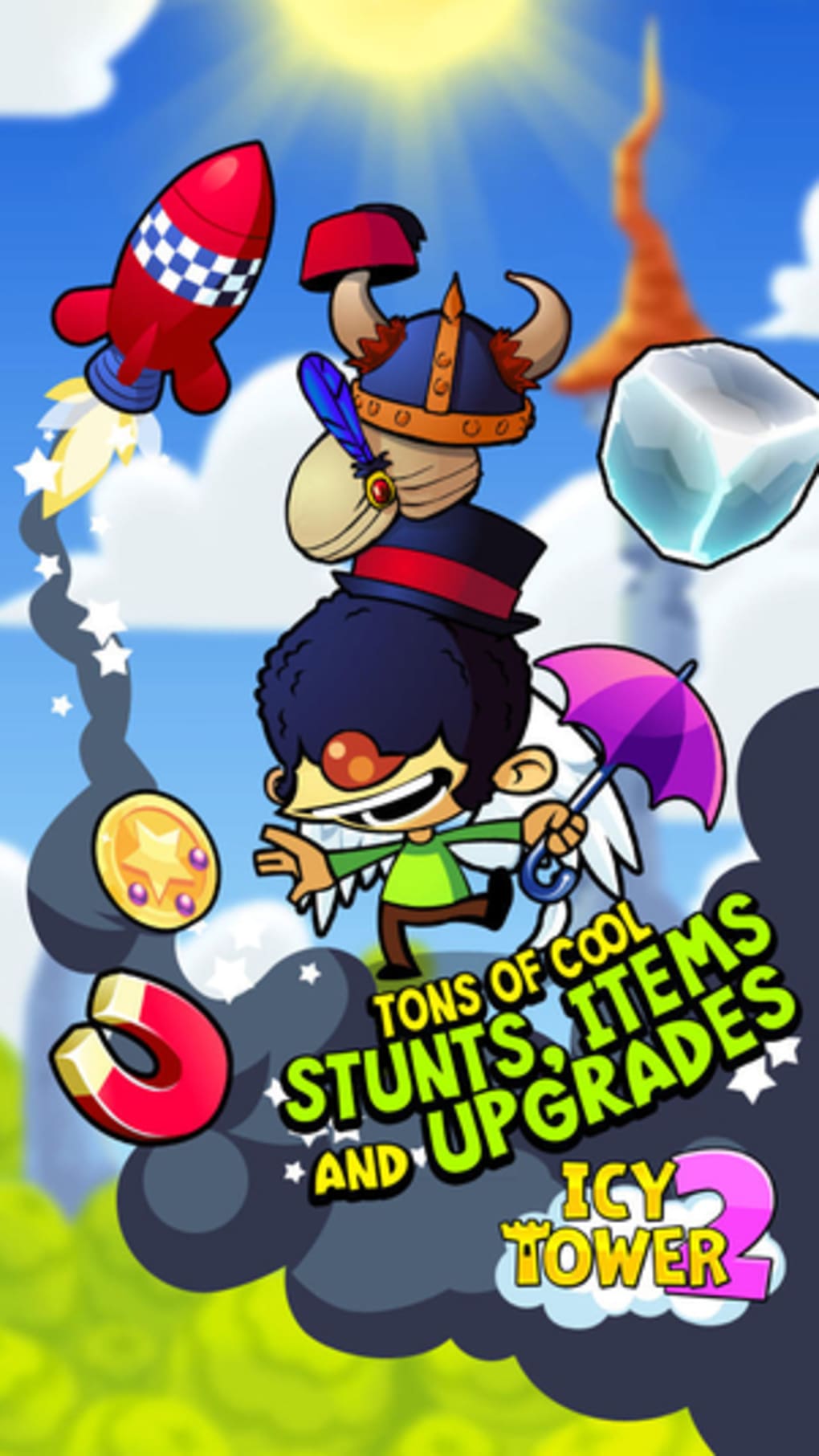
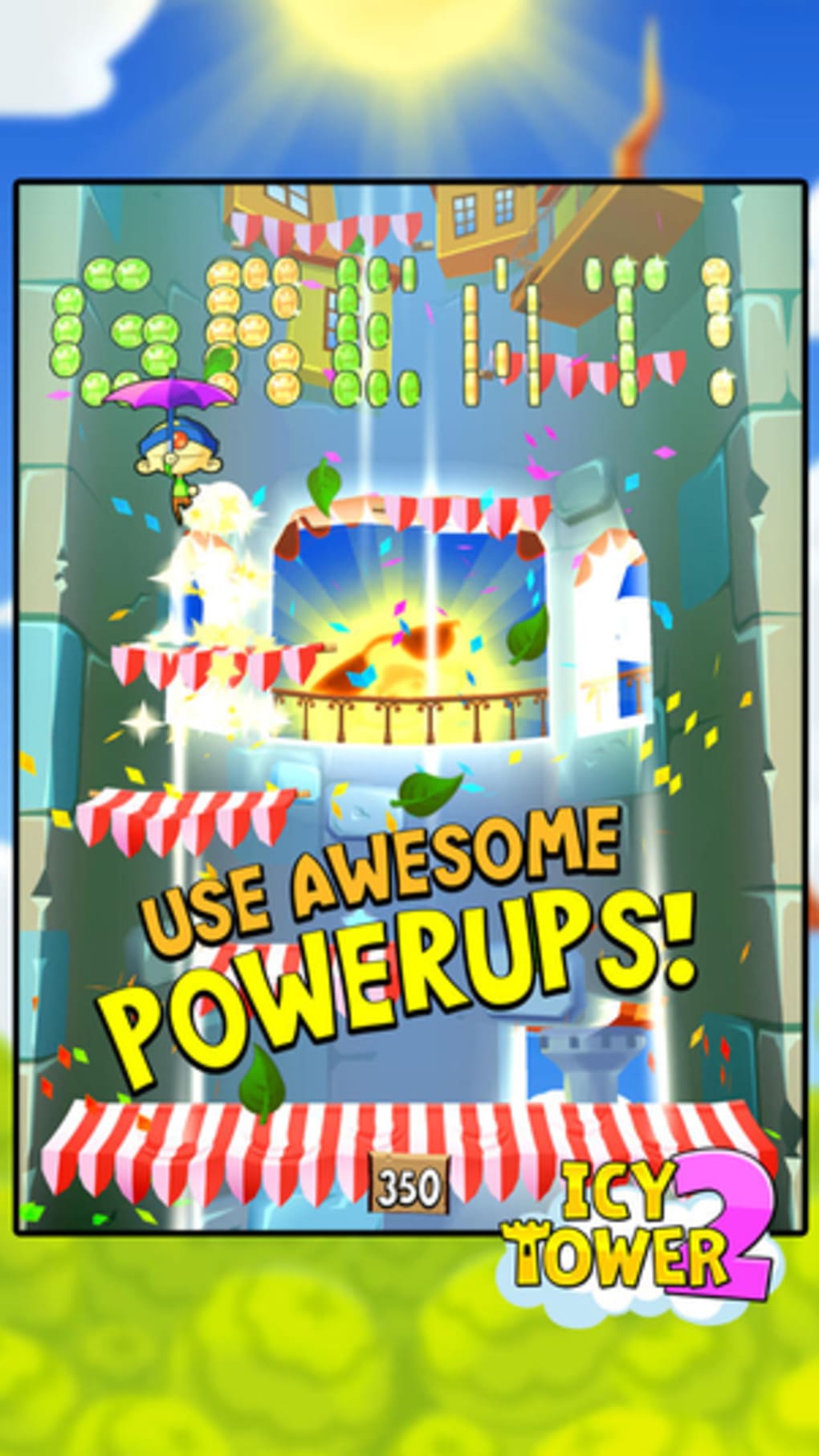
- Progression System – Players earn coins by climbing, which can be used to purchase power-ups, boosters, and cosmetic items such as hats.
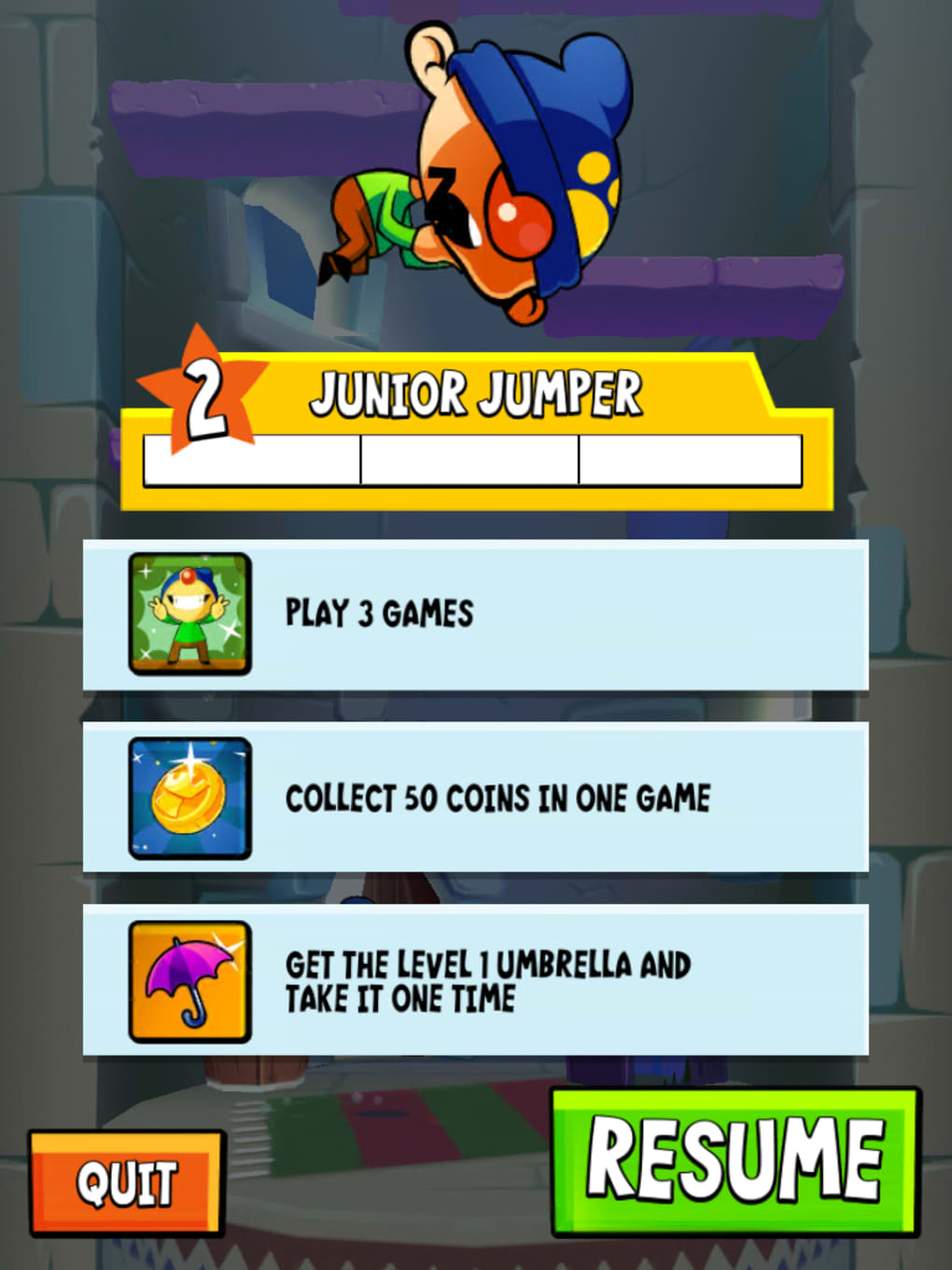
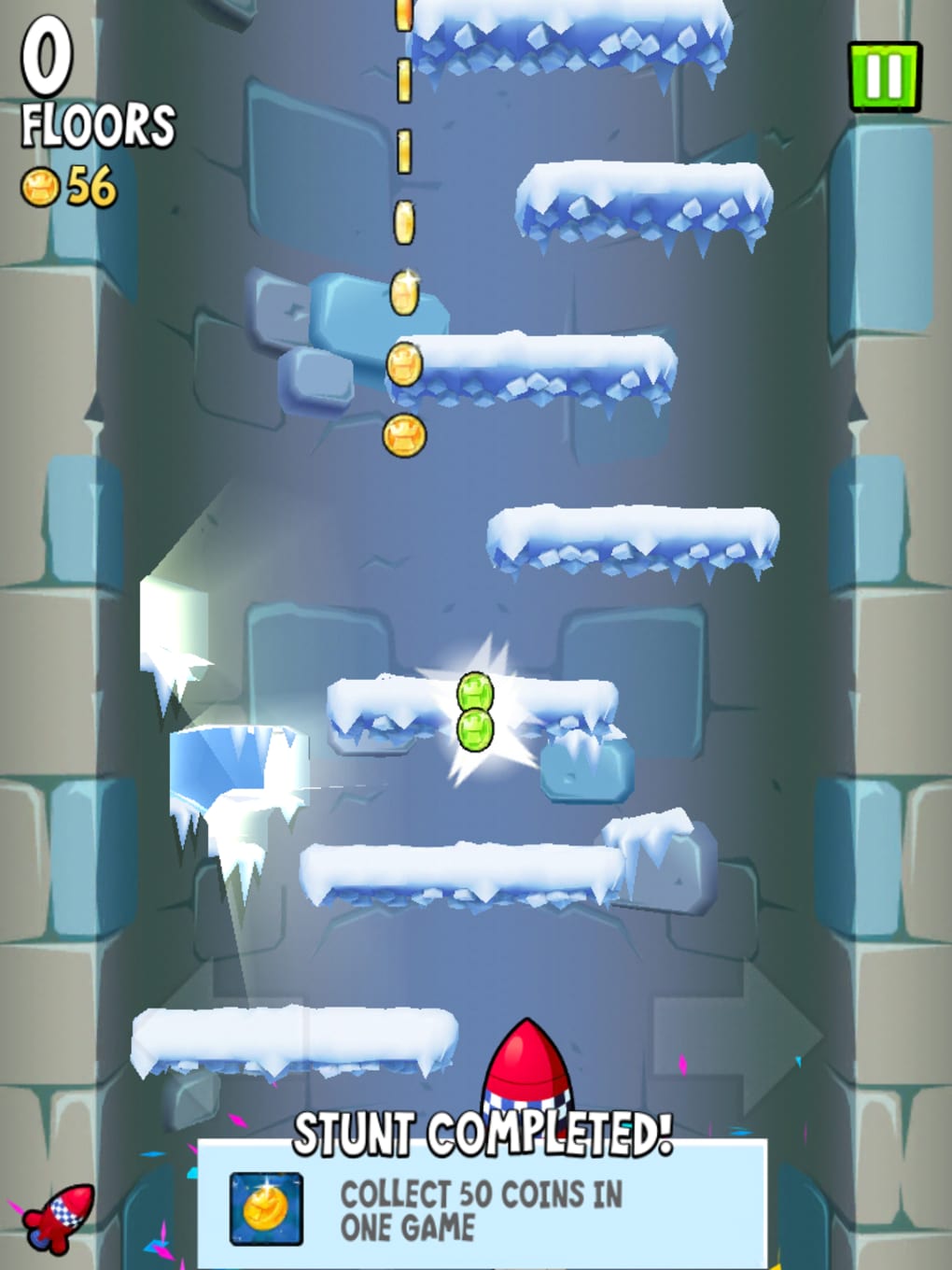
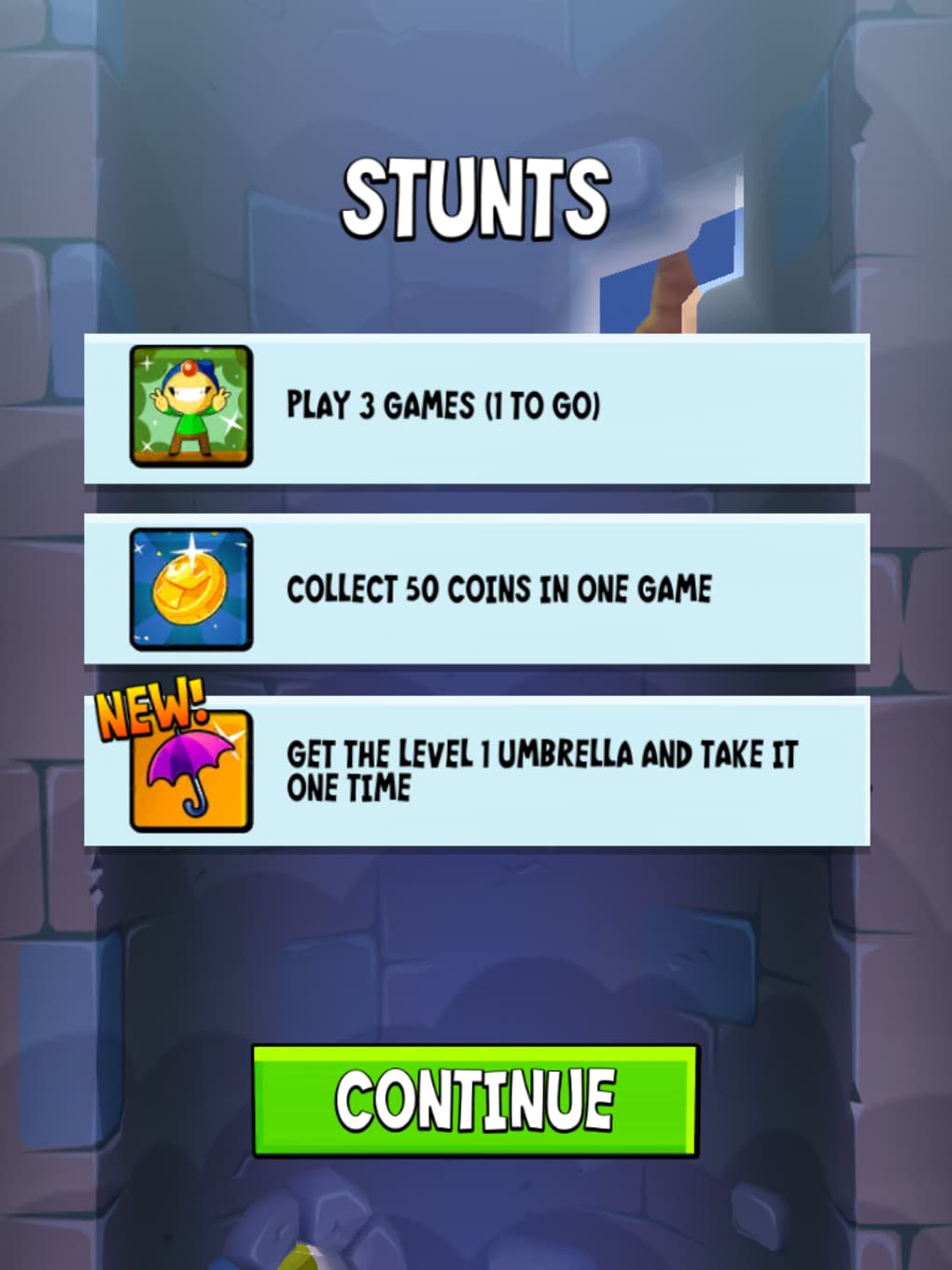
- Stunt Achievements – Special challenges called Stunts reward players with extra coins and unlock new content, encouraging repeated play and skill development.
- Social Sharing – High scores and achievements can be shared directly on Facebook and Twitter, promoting friendly competition and community engagement.
These features work together to create a loop of challenge, reward, and replayability. For example, a player might use a temporary speed booster to clear a difficult section, then share their success online. The game’s design supports both casual enjoyment and competitive progression, making it accessible to newcomers while offering depth for experienced players.
User Interface, Workflow & Performance
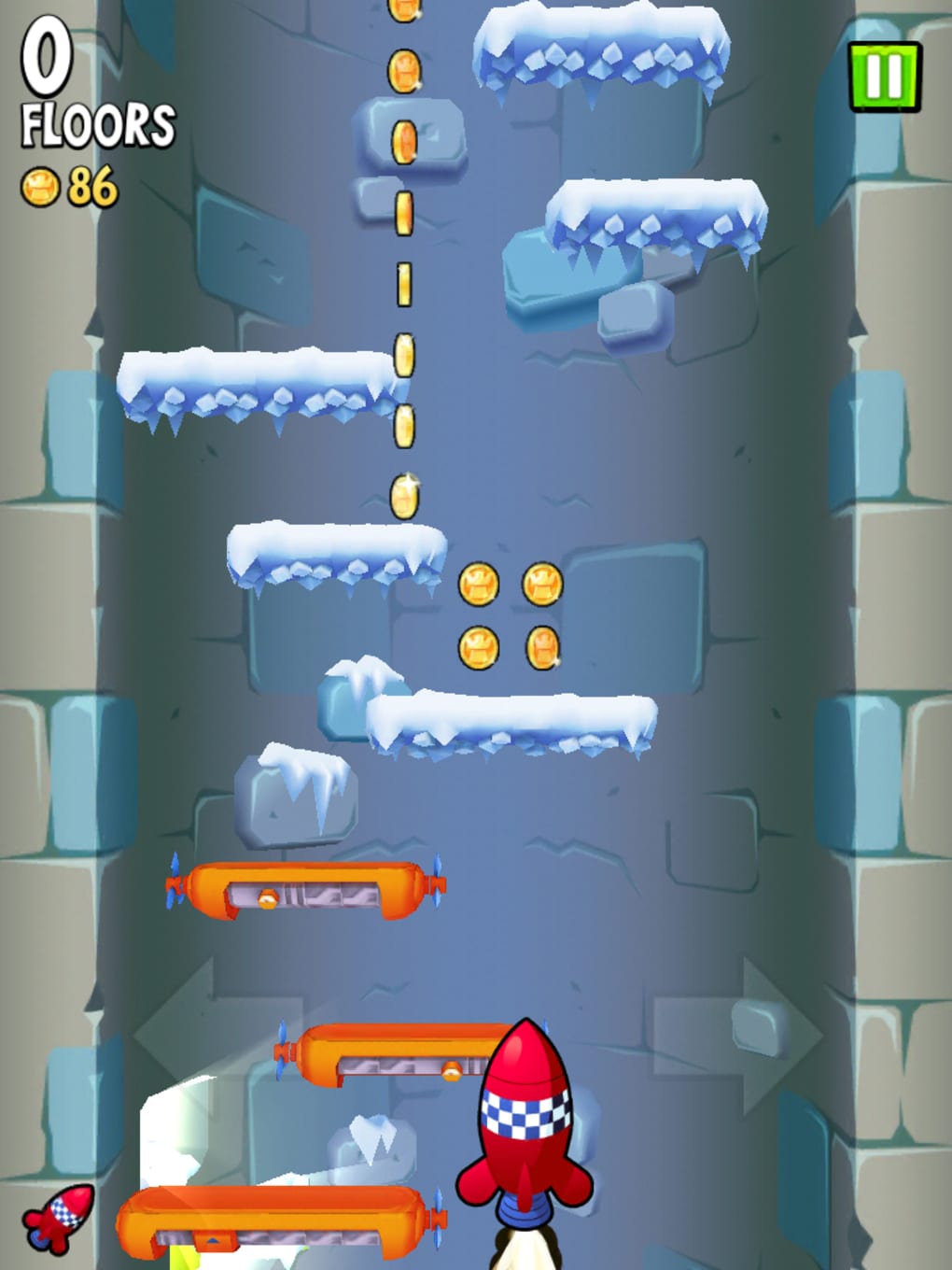
The user interface is clean and minimal, focusing on the core gameplay without distractions. The main screen displays the tower, Harold’s position, and essential HUD elements such as coin count and current height. Navigation is intuitive, relying solely on tilt-based input, which reduces the need for complex menus or on-screen buttons. This streamlined approach enhances focus and reduces cognitive load during fast-paced sequences.
Workflow efficiency is high, as the game eliminates the need for manual jump commands, allowing players to concentrate on timing and direction. The automatic jump mechanic reduces input lag and enables smoother gameplay. Performance observations are based on general software behavior patterns. The developer did not specify resource usage details, but the 45 MB installation size suggests a lightweight application. Stability is expected to be consistent for a game of this type, though exact performance data was not provided.
Compatibility & System Requirements
Icy Tower 2 is available for both Windows and Mac operating systems, supporting modern desktop environments. The software version is 1.0, with a total installation size of 45 MB. This compact footprint indicates efficient resource management and quick deployment. The developer did not specify exact system requirements, including CPU, RAM, or GPU specifications. Platform compatibility information is limited to the operating systems listed. Users should ensure their system meets standard desktop software requirements for smooth operation.
Pros and Cons
Pros
- Simple, addictive gameplay that’s easy to learn but hard to master
- Modernized graphics with a vibrant, cartoon aesthetic
- Intuitive tilt-based controls enhance accessibility
- Free to download and play with no mandatory in-app purchases
- Engaging progression system with coins, power-ups, and unlockable items
Cons
- Exact system requirements were not listed
- Limited information on performance under heavy load
- Some features like social sharing may require internet access
- Gameplay may feel repetitive over extended sessions
- Offline functionality is not confirmed
FAQ Section
Is Icy Tower 2 free to download?
Yes, Icy Tower 2 is available at no cost. The game does not require a purchase to access core features.
What platforms does Icy Tower 2 support?
The game is compatible with Windows and Mac operating systems.
Does Icy Tower 2 require an internet connection?
While the game can be played offline, certain features such as social sharing and in-game purchases may require internet access.
Are there in-app purchases in Icy Tower 2?
Yes, players can purchase additional coins to accelerate progression, though these are optional and not required to enjoy the game.
How often is Icy Tower 2 updated?
The developer has not provided information on update frequency. The current version is 1.0, released on May 15, 2024.
Final Thoughts + CTA
Icy Tower 2 successfully honors the legacy of its iconic predecessor while introducing modern enhancements that improve accessibility and visual appeal. The shift to tilt-based controls adds a fresh layer of interaction without compromising the game’s core challenge. Its free model, combined with a lightweight design and engaging progression loop, makes it an excellent choice for casual gamers and retro enthusiasts alike. While detailed system requirements and performance data are missing, the game’s compact size and straightforward mechanics suggest broad compatibility. For those seeking a fun, fast-paced arcade experience with nostalgic roots, Icy Tower 2 delivers a satisfying blend of simplicity and depth.
Download Icy Tower 2 now
Guides & Tutorials for Icy Tower 2
How to install Icy Tower 2
- Click the Preview / Download button above.
- Once redirected, accept the terms and click Install.
- Wait for the Icy Tower 2 download to finish on your device.
How to use Icy Tower 2
This software is primarily used for its core features described above. Open the app after installation to explore its capabilities.
User Reviews for Icy Tower 2 0
No reviews found





